Audiee.ai for consultants
Consultants sell judgment, and judgment is built from what clients said three meetings ago. Audiee.ai is the Mac app that keeps that record for you: no bot in the client call, English, Mandarin and Cantonese in the same sentence, notes as files you own, and a recap you can send with an expiry date.
One engagement, start to finish
Before the kickoff
Audiee.ai sees the calendar event, recognises the people, and shows what happened last time you met them: open questions, what they were waiting on from you, what you were waiting on from them. It reads from your own record, not from the web.
During the call
Join Zoom, Meet or Teams as usual; Audiee.ai notices the call and offers to take notes. Nothing joins. When the client asks "what did you quote us in June?", Audiee.ai finds the June meeting and shows the number and the sentence around it, while the call is still on. When you say "I'll send the revised scope by Friday", it turns into a to-do — and into an Apple Reminder if you keep that switch on.
After the call
Within a minute of hanging up: a summary in the meeting's language, your action items, what you're waiting on from them, follow-ups, and the transcript with speaker turns (Zoom names when Accessibility is granted). Each summary bullet links back to the moment in the transcript it came from, so "they agreed to phase two" can be checked against what was actually said.
Sending the recap
Share → their email. They get a read-only page: summary and action items always, notes and transcript only if you choose. Set it to expire in 7, 30 or 90 days, ask for an email code if the content is sensitive, revoke it later if the scope changes.
Three months in
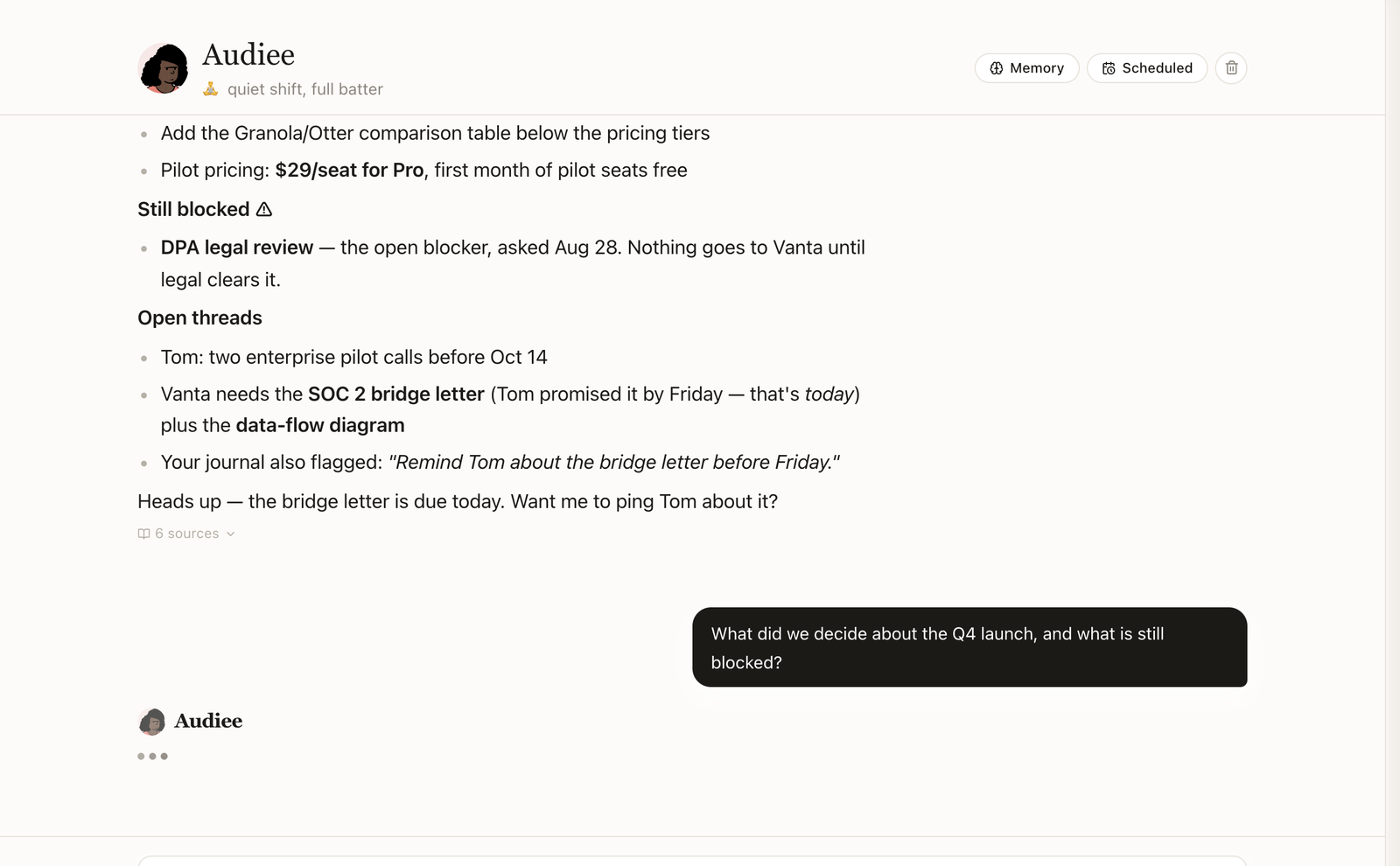
Ask "across all Acme meetings, what have they said about the integration timeline?" and get an answer with the meetings it came from. People and projects have become pages; decisions link to the meeting that made them. When the engagement ends, the record is a folder of Markdown you can archive with the deliverables.
What consultants use most
- Voice writing between calls. Tap Ctrl in any text box — email, Word, Notion — and dictate; the polished text lands where the cursor is. Ctrl+Shift translates as you speak, Chinese to English and back.
- Documents in the same memory. Drop the client's PDF, the SOW, the deck into Knowledge; Word and PDF are converted to Markdown before they are indexed, so the search that finds a meeting also finds page 12 of the proposal.
- Sharing without a portal. The client never installs anything or creates an account.
- Spaces per client. Keep engagements apart; export any one of them in a click.
Honest limits
- Mac only. No Windows, no web app; an iPhone companion app for in-person meetings is in testing and not available yet.
- Audio leaves your Mac to be transcribed and transcript text leaves to be summarised; the trust page names every service. If your client requires fully offline processing, Audiee.ai is not the right tool.
- No video. Slides shared in a call are captured as text only: Read screen (on by default, switchable) reads the text on the meeting window on your Mac and keeps no image — the text goes to the summary with the transcript. Charts and diagrams without words are not captured.
- Speaker names come from Zoom's active-speaker tags; on Meet and Teams in a browser they are experimental.
Plans that fit
Free covers 3 transcription hours and 20 meetings a month, which is a light consulting month. Pro at $19/month covers 25 hours and 100 meetings; Ultra at $49/month covers 55 hours with no meeting cap. Dictation draws on the same hours. Sharing, search and questions are never metered. Pricing.
Questions consultants ask
Will the client know I'm using it?
Nothing joins the call and nothing appears on their screen. Whether you tell them is a legal and professional question, not a technical one; in most places you should, and a one-line "I take notes with an app on my Mac" covers it.
My clients switch between Cantonese and English constantly.
That is the case Audiee.ai was built around. Mixed is the default language; sentences like 「呢個 proposal 我哋 next week 再 confirm」 come out as spoken, and the summary is written in standard Chinese or English, whichever the meeting was in.
Can I keep one client's notes away from another's?
Knowledge has spaces, and each meeting, person and project page lives in one. Sharing is per page and per recipient, with expiry and revoke. Several accounts on one Mac keep entirely separate data.
What do I send the client afterwards?
Open the meeting, Share, type their email. They get a read-only web page with the summary and action items — notes and transcript only if you tick them — no account needed, expiring when you say.