An MCP server for your memory
Audiee.ai runs a local MCP server on your Mac that gives any MCP client — Claude Code, Claude Desktop, Cursor, ChatGPT via connectors, OpenClaw — your meetings, notes and knowledge base as tools, plus the services you've connected (Slack, calendars, Notion, Google Drive). Audiee.ai wires it into the clients it finds automatically; nothing to configure.
What can the agent do?
| Tool | What it does |
|---|---|
| wiki__search | Full-text search of the knowledge base (meetings, notes, journal) — BM25-ranked keyword search; the semantic search is in the app's own Ask, not over MCP |
| wiki__read_page / wiki__write_page | Read or write a Markdown page |
| wiki__list_pages / wiki__grep | Browse and grep pages |
| note-taker__start_session / end_session / finalize_meeting | Start, stop and summarize a meeting from the agent |
| note-taker__past_meetings / get_session | List and read past meetings |
| slack, google-calendar, apple-calendar, notion, google-drive/docs/sheets … | The user's connected services, exposed to the agent through Audiee.ai |
How do you set it up?
- Install Audiee.ai and sign in. Audiee.ai detects Claude Desktop, Claude Code and Cursor on your Mac and adds itself to their MCP config — you'll see a note in Chat when it does.
- Fully restart the client. "audiee" appears in its tool list.
- For other clients: Settings → Tools & Agents shows the local endpoint and token to paste into any MCP config.
Why is the MCP server local?
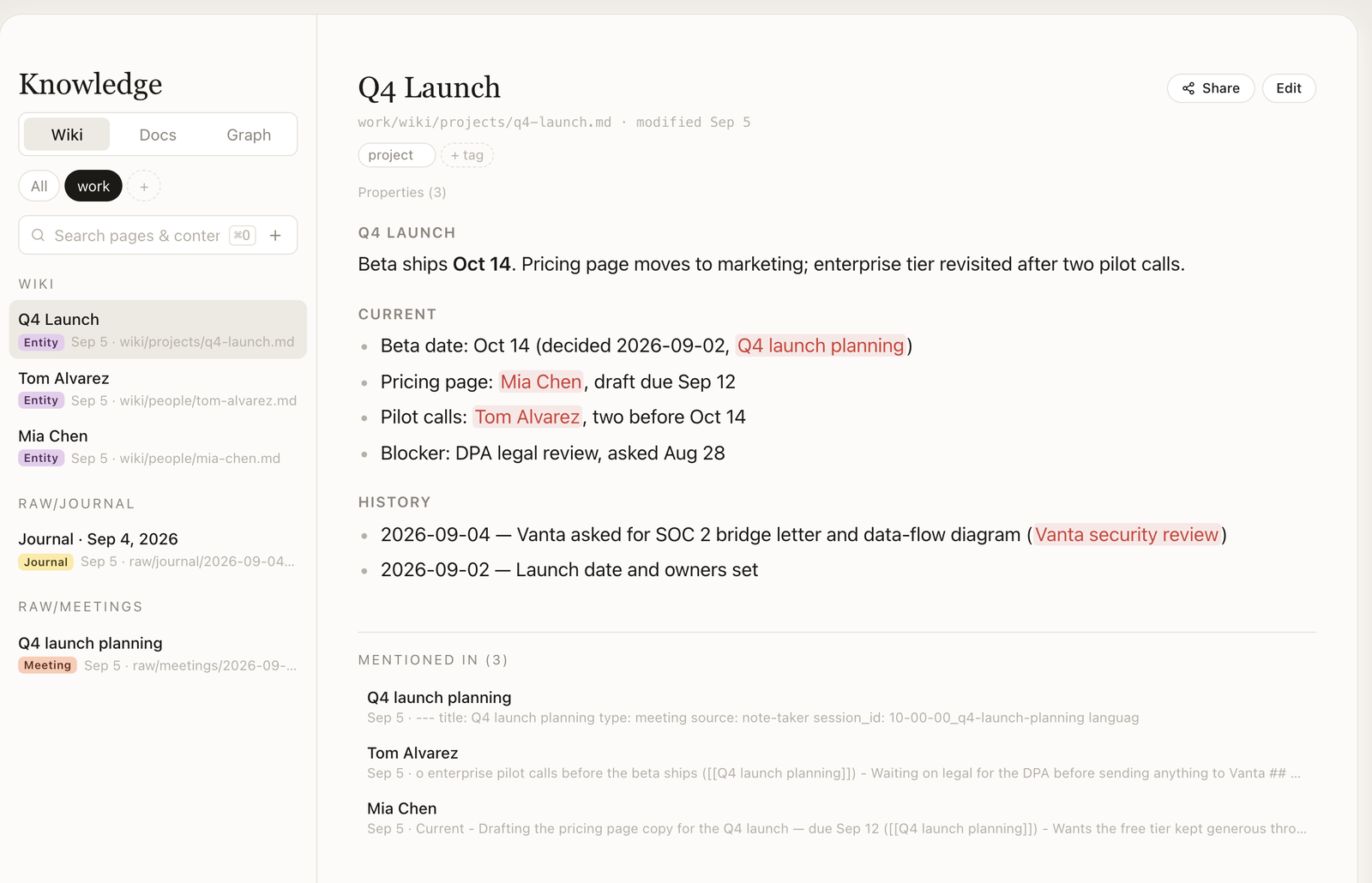
The server listens on 127.0.0.1 only and authenticates with a per-machine token; your notes never go through a cloud relay. Everything the agent reads is a Markdown file you can open yourself.
What does it look like in practice?
- In Claude Code: "read the last three meetings with Acme and draft the follow-up email" — the agent calls note-taker__past_meetings, reads them, writes the email.
- In Cursor: "what did we decide about the API rate limits?" — wiki__search returns the decision with the meeting it came from.
- From Audiee.ai itself: complex tasks are delegated to your CLI agents with the relevant context attached, and the result comes back into Chat.
Download Audiee.ai for macOS
Free — 3 transcription hours / month · No card