Share notes with anyone
Audiee.ai shares a meeting recap or a knowledge page by email: each person gets their own link to a read-only page — no account, no app, nothing to install. If they later sign in to Audiee.ai with that email, the page is already in their Knowledge.
Open the page or meeting
In Knowledge, open any page; in Meetings, open the recap. Click Share.
Type email addresses
Anyone — they don't need Audiee.ai. On a company email domain you can pick colleagues by name.
Choose what goes
Pages share as-is. Meetings share the summary, action items and follow-ups; tick to include your notes or the full transcript.
Send
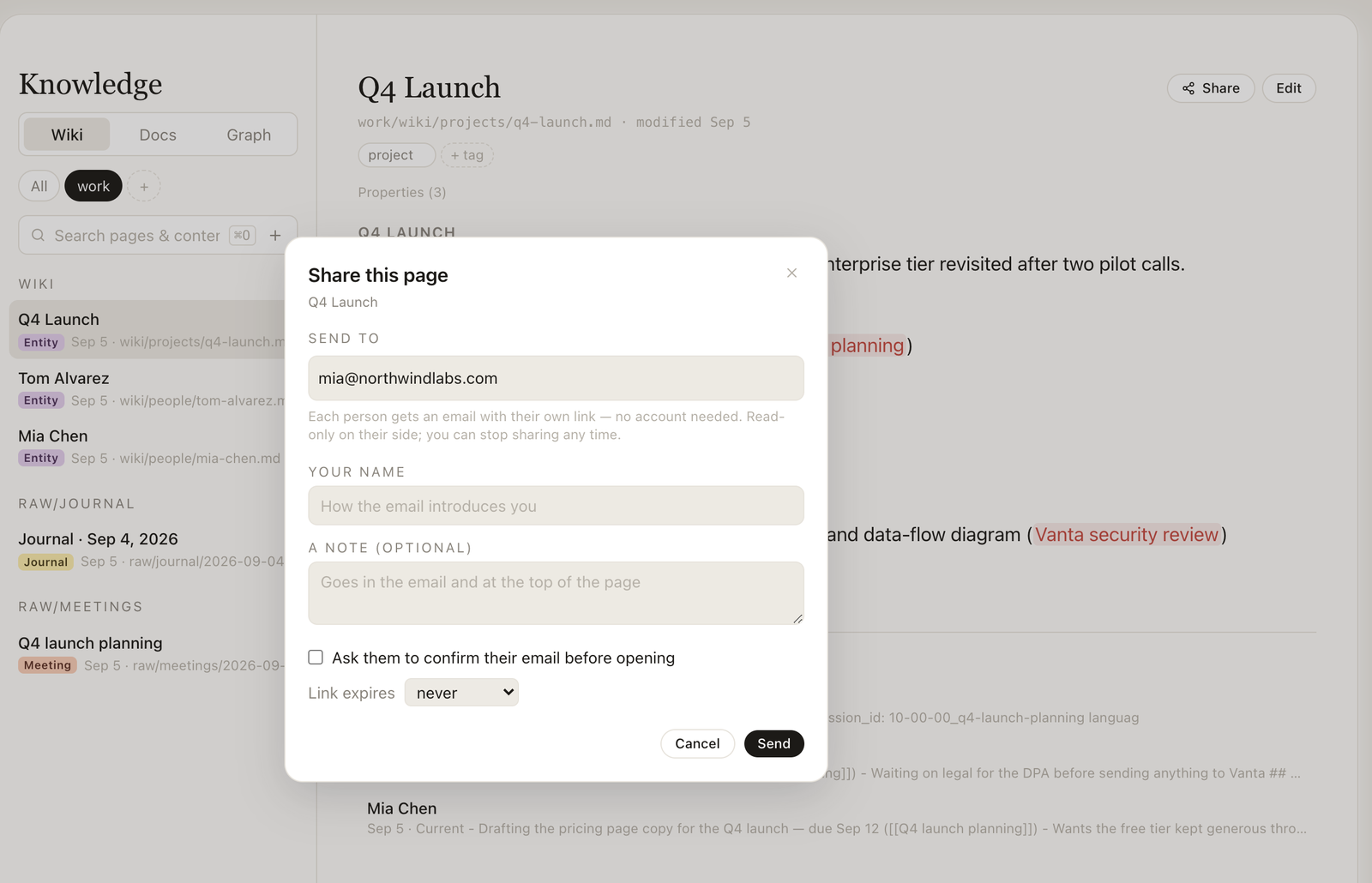
Each person gets an email with a personal link to a read-only web page. You see who opened it, can send it again, copy the link, or stop sharing.
What control do you keep over a shared page?
- Personal links: one per recipient; remove one person without touching the others.
- Confirm email before opening: tick it and the recipient enters a code sent to their address.
- Expiry: never, 7, 30 or 90 days.
- Stop sharing: the page disappears for everyone, immediately.
- Update the shared copy: push a fresh snapshot after you edit.
What does the other person see?
A clean page with your name, a note if you wrote one, the content, and an invitation to get Audiee.ai. No ads, no tracking pixels beyond a simple open count you can see.