Audiee.ai for recruiters
Recruiting is forty conversations a week and a decision that depends on remembering them accurately. Audiee.ai records the ones you take on your Mac — no bot, no candidate wondering who joined — and turns them into candidate pages, follow-ups and answers you can search in English, Mandarin or Cantonese.
From screen to offer
1. The screen
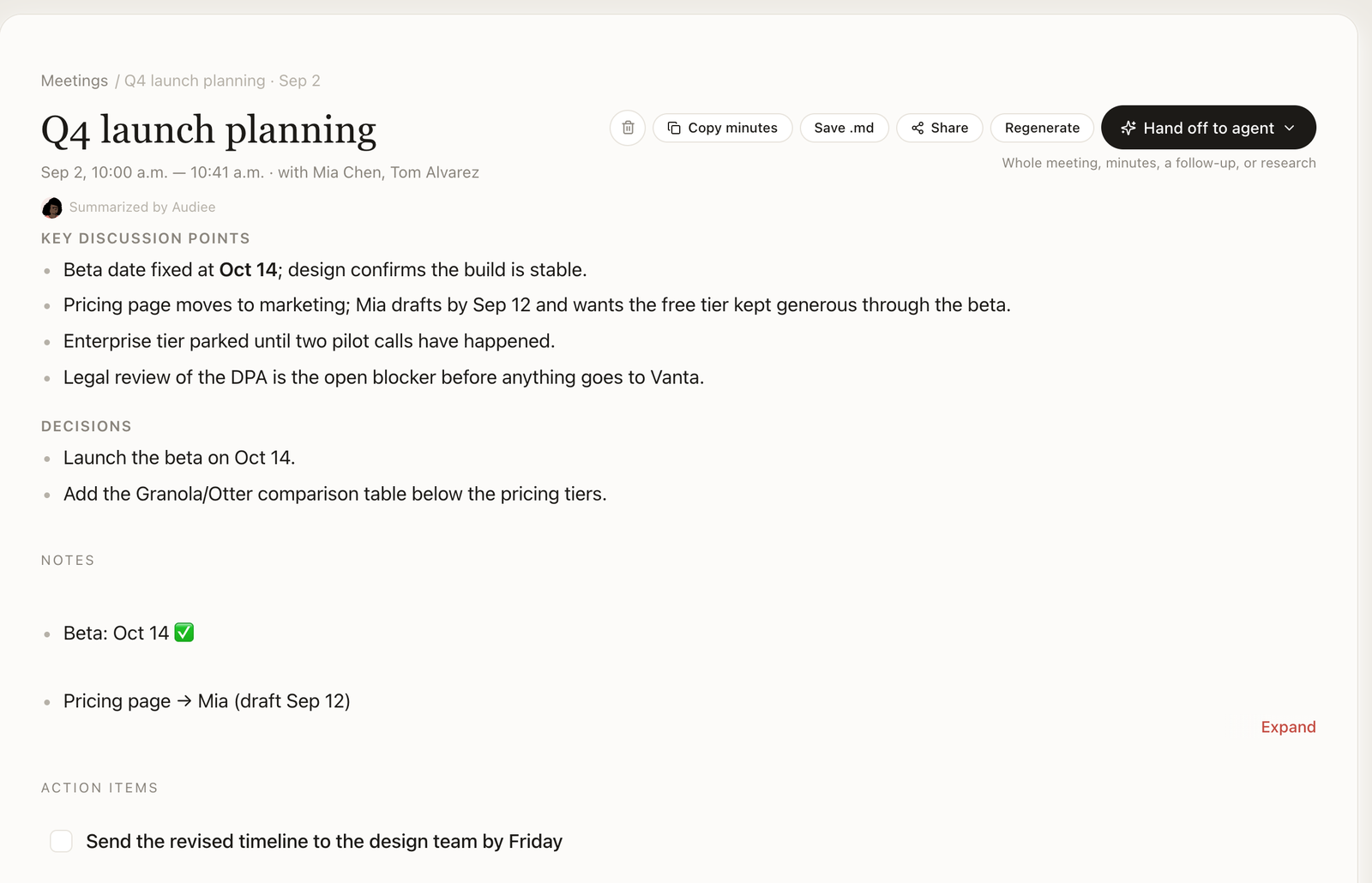
Run it on your Mac; Audiee.ai captures both sides. Afterwards you have the transcript, a summary, and the concrete things the candidate said about notice period, salary expectation, location, visa — as text you can quote, not as your memory of it.
2. The candidate page
Each person becomes a page linking every conversation you've had with them. Rename a speaker once and it propagates everywhere, including the vocabulary Audiee.ai listens with next time.
3. The follow-ups
"I'll send the take-home by tomorrow" becomes a to-do with a date; what the candidate owes you ("references by Friday") lands under Waiting on. Both can go to Apple Reminders.
4. The debrief
Ask "what did we each say about the frontend candidate?" after the panel and get the answer with sources. Summary bullets link back to the transcript timestamp, so a disputed impression can be checked in ten seconds.
5. The offer
Dictate the offer email with Ctrl in Gmail. Share the interview summary with the hiring manager as a read-only page that expires in a week; no account, no attachment lying around.
Why recruiters in Hong Kong and Singapore pick it
- The language is the interview. A candidate who answers in Cantonese with English job titles and a Mandarin idiom in the middle is transcribed as spoken, not flattened into one language or dropped.
- No bot in a candidate call. A third participant named "Notetaker" changes how people talk. Audiee.ai listens from your Mac.
- Names that stick. Correct a candidate's name once and it is recognised in the next call; polished summaries feed the vocabulary automatically.
- Yours, and portable. Move agencies and the record is a folder of Markdown, not rows in a vendor's database.
Honest limits
- Mac only; calls taken on a phone are not captured.
- Audio is transcribed by a cloud provider and text is summarised by another; see the trust page. Candidate data therefore does leave your Mac in transit — if your firm forbids that, Audiee.ai is not compliant for you.
- No ATS sync out of the box; agents can do it through MCP.
- Speaker labels are best on Zoom; elsewhere expect "Speaker 1/2" until you rename.
Plans that fit
Twenty screens a month fit the free plan's 20 meetings; the 3 transcription hours are the tighter limit at 30 minutes each. Pro ($19/month, 25 hours, 100 meetings) is the usual choice for a full-desk recruiter; Ultra ($49/month, 55 hours, no meeting cap) for high volume. Pricing.
Questions recruiters ask
Do I have to tell candidates I'm recording?
In most jurisdictions, yes, and it is the decent thing to do. Audiee.ai never announces itself, so the sentence is yours: "I take notes with an app so I can pay attention — is that okay?" Most candidates prefer it to watching you type.
Can I search by skill across all screens?
Yes. Search is semantic and on device, so "who has run Kubernetes in production" finds the candidate who said "I ran our k8s clusters for two years". Answers come with the meeting and the line.
Does it integrate with my ATS?
Not directly. Every candidate page and screen summary is Markdown, and Audiee.ai's MCP server exposes them to Claude Code, Cursor and other agents; people use that to push a structured summary into Greenhouse, Lever or a spreadsheet. Nothing is pushed automatically.
Phone screens on my mobile?
Not today. Audiee.ai records on the Mac; run the call on the Mac (Zoom, Meet, Teams, Lark or a browser softphone) and it is captured. An iPhone companion app for in-person meetings — record on the phone, the meeting lands on your Mac — is in testing and not available yet.